Google Smart Home Device Locks Users If There Is A Potential Password Breach
Harin - Feb 18, 2019
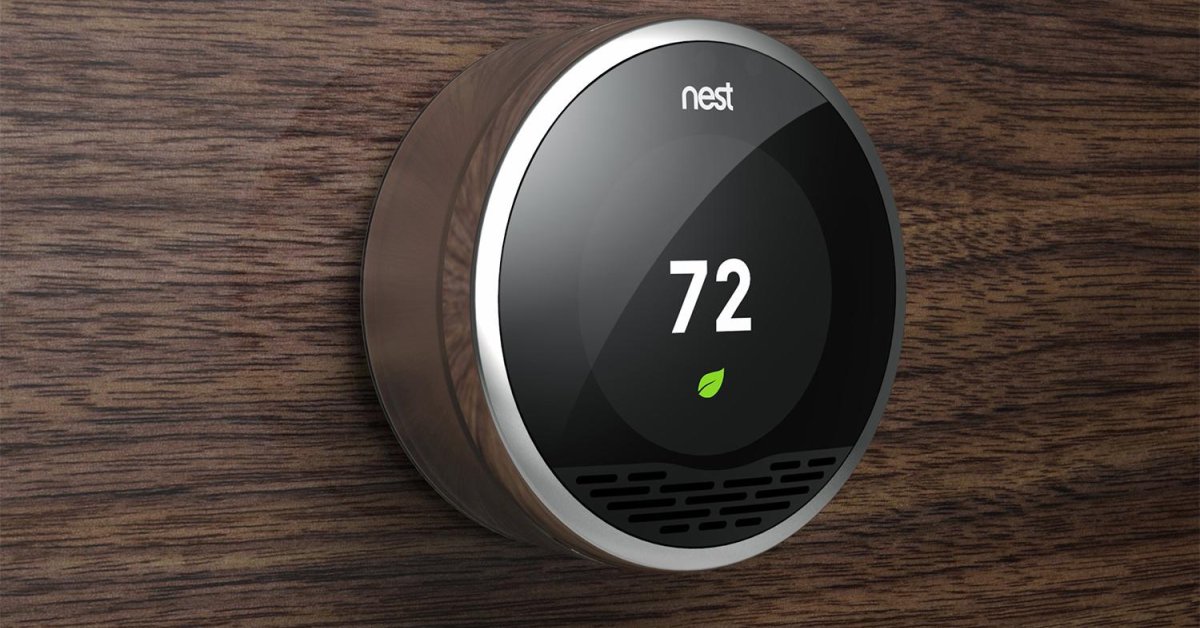
Nest, Google's smart home company, is reportedly locking its users out of their accounts if it thinks their passwords have been compromised.
- 13 Underrated Google Wallet Features Youre Probably Ignoring (And Theyre Not Credit Cards)
- Google Pixel Battery Scandal Illustrates Why Capacity Rules the Smartphone Market
- Google's Project Toscana: Elevating Pixel Face Unlock to Rival Apple's Face ID
Nest, Google’s smart home company, is actively locking its users out of their own accounts if it thinks their passwords have been hacked. Since last week, affected users have been receiving emails from the company. If you are among the affected one, what you need to do is tell your Nest app to erase your current password and set a new one.
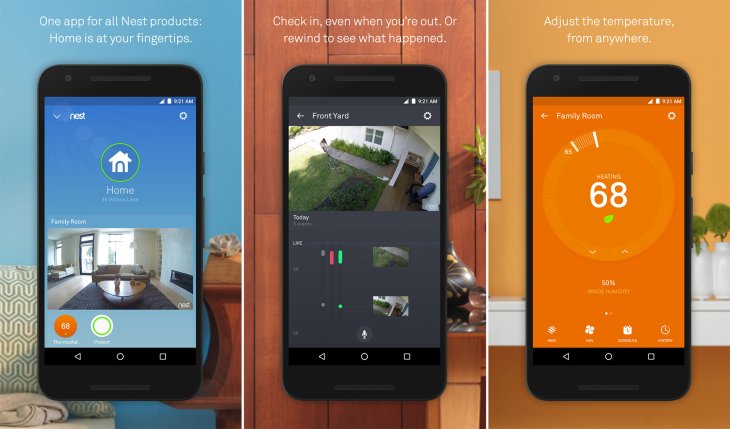
The standard response of Nest to this kind of breach is to email users that they have been affected and then recommend them to change their passwords. Apparently, Nest knows that most of its users don’t even bother with this, so it is intervening by locking them out of their accounts instead.
If your Nest account has been locked, you can’t use your Nest app or receive any push notifications from all of your Nest devices. This means if an intruder is detected by your Nest Security Camera or smoke is recognized by your Nest Protect Alarm, you won’t be able to receive any notifications through your mobile, the alarm on the device still works though.
Google declined to comment on the reason behind this measure but said that this measure would be used constantly.
Despite the resets posing as a small inconvenience, it could be necessary to keep people safe online. There is evidence suggesting that people still have passwords that are either easy to guess or too simple. Furthermore, they keep reusing these passwords for different sites not minding the safety risk.
So Nest is carrying out their own measure when people don’t bother with changing and choosing more secure passwords.
If you have received a Nest email informing you of being locked from your account, you should try resetting your password as soon as possible through your app and just follow the instructions. You should also keep in mind in choosing a password that is unique and strong.
If your details have been hacked, it is better for you to reset other accounts that are using the same password.
Featured Stories

ICT News - Sep 19, 2026
Washington Acknowledges Operational Weapons in Earth Orbit

ICT News - Aug 04, 2026
Telegram Vanishes from Apple App Store Worldwide

ICT News - Jul 31, 2026
Russian Buyer Finds Water Bottle in $1,125 Graphics Card Box

ICT News - Jul 29, 2026
The RAM Crisis: Graphics cards shoot up in prices again

ICT News - Jun 27, 2026
OpenAI Launches Limited GPT-5.6 Preview Amid U.S. Security Review

ICT News - Jun 16, 2026
Elon Musk Becomes World's First Trillionaire After SpaceX's Record IPO

ICT News - Jun 14, 2026
The Technological Revolution at the 2026 FIFA World Cup
ICT News - Jun 03, 2026
Apple's Liquid Metal Hinge Poised to Deliver Breakthrough for Foldable iPhone...

ICT News - May 29, 2026
New Glenn Rocket Explodes in Massive Fireball During Static Fire Test at Cape...

Mobile - May 24, 2026
iOS 27 Preview: Apple Delivers Its Most Intelligent Siri Yet Alongside Fresh AI...
Read more

Mobile- Oct 07, 2026
Galaxy S27 Ultra Could Restore the Screen Quality Buyers Missed on the S26 Ultra
The S26 series arrived in February 2026, so a similar early 2027 window is the likely launch period.
Comments
Sort by Newest | Popular