Google Rolls Out Chrome 77, Featuring Custom Colors And Tab Grouping
Dhir Acharya - Sep 20, 2019
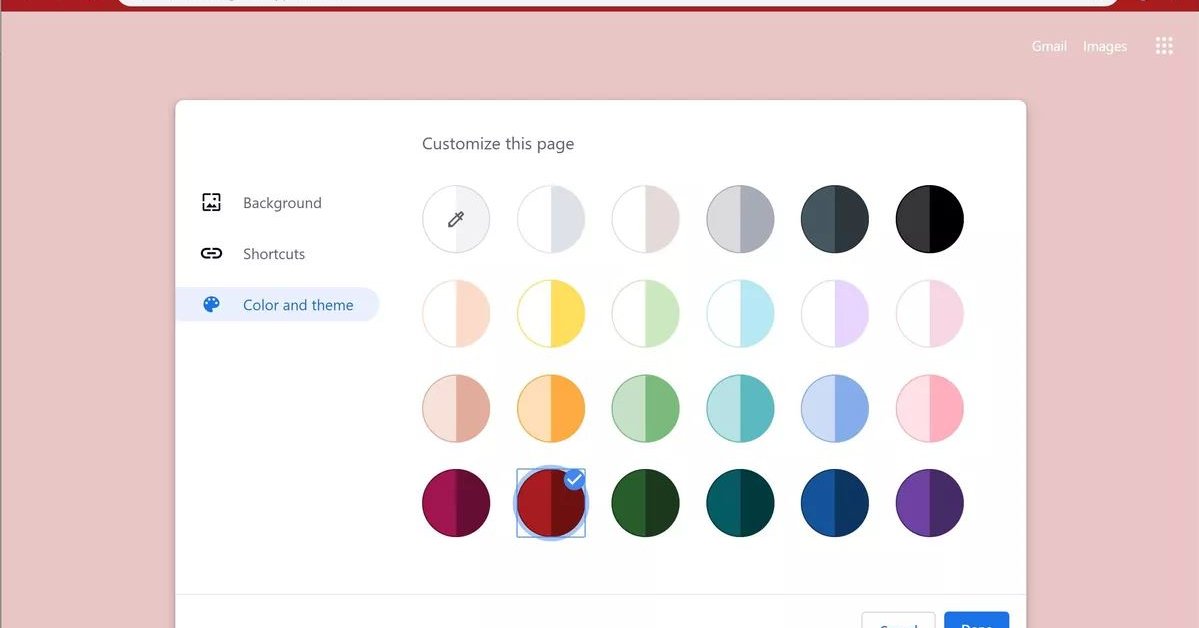
On Thursday, Google gave Chrome a splash of color, along with a few new ways to improve your experience when you have too many tabs open.
- 13 Underrated Google Wallet Features Youre Probably Ignoring (And Theyre Not Credit Cards)
- Google Pixel Battery Scandal Illustrates Why Capacity Rules the Smartphone Market
- Google's Project Toscana: Elevating Pixel Face Unlock to Rival Apple's Face ID
On Thursday, Google gave Chrome a splash of color, along with a few new ways to improve your experience when you have too many tabs open. Now, you can choose colors which will show on the new tab page, the tab strip, and the background behind it.
In case you want to have your browser personalized, the colors can be a nice touch, although you can already do this by installing the Chrome extension. Now, the feature is by default, which you can reach by launching a blank tab, click on “customize,” then click on “color and theme.”
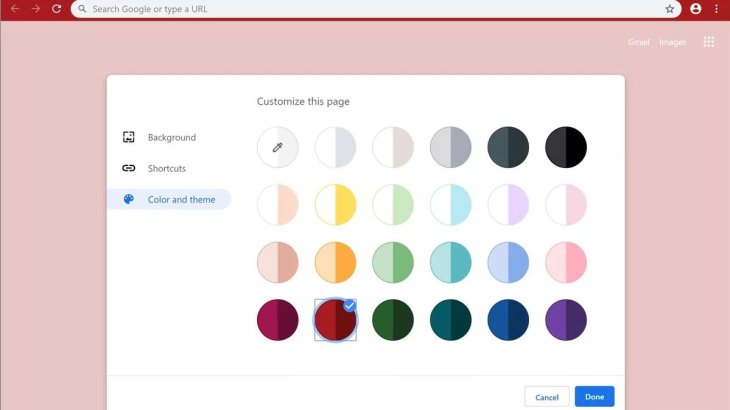
While this seems like a small change, a lot of users care, just like with the dark mode built into all operating systems and apps right now.
In a Thursday blog post, Google announced that Chrome will offer more important changes in tab management.
With Chrome 77, if users open too many tabs, making them too small to show text, they can hover the mouse pointer to see the title of each tab. Additionally, the organization and tab selection page, which you can access by tapping on the tab number button, will display tabs in a grid pattern. This grid arrangement has already come to iPad and iPhone users.
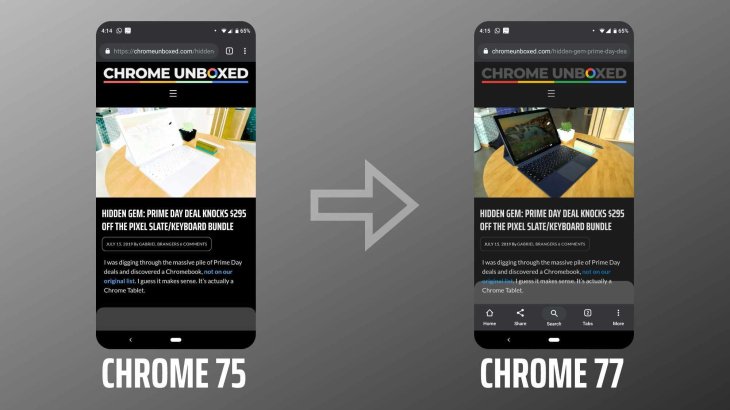
However, the grid is only the beginning, as tab grouping is also on its way. This allows users to organize their tabs into batches so that they won’t drown in a bunch of tabs. The feature will first come to Android devices, on which users can drag one tab atop another one like dragging app icons to reorganize them on the home screen. It will also be easier to switch between tabs in a group.
Tab groups will come to PCs too. They are currently disabled by default, but you can try it out by visiting chrome://flags/, then searching and enable “tab groups.”
For those who are developers, you can look at some web programming features that Chrome 77 offers. You can test contact picker interface, which allows users to choose people from contacts and share their details with a site. This feature is under the Project Fugu effort to give web apps as many capabilities as possible like native apps.
Featured Stories

ICT News - Sep 19, 2026
Washington Acknowledges Operational Weapons in Earth Orbit

ICT News - Aug 04, 2026
Telegram Vanishes from Apple App Store Worldwide

ICT News - Jul 31, 2026
Russian Buyer Finds Water Bottle in $1,125 Graphics Card Box

ICT News - Jul 29, 2026
The RAM Crisis: Graphics cards shoot up in prices again

ICT News - Jun 27, 2026
OpenAI Launches Limited GPT-5.6 Preview Amid U.S. Security Review

ICT News - Jun 16, 2026
Elon Musk Becomes World's First Trillionaire After SpaceX's Record IPO

ICT News - Jun 14, 2026
The Technological Revolution at the 2026 FIFA World Cup

ICT News - Jun 03, 2026
Apple's Liquid Metal Hinge Poised to Deliver Breakthrough for Foldable iPhone...

ICT News - May 29, 2026
New Glenn Rocket Explodes in Massive Fireball During Static Fire Test at Cape...

Mobile - May 24, 2026
Comments
Sort by Newest | Popular