I Had To Return My New 2018 iPad Pro Just 24 Hours After Buying It
Author - Nov 09, 2018
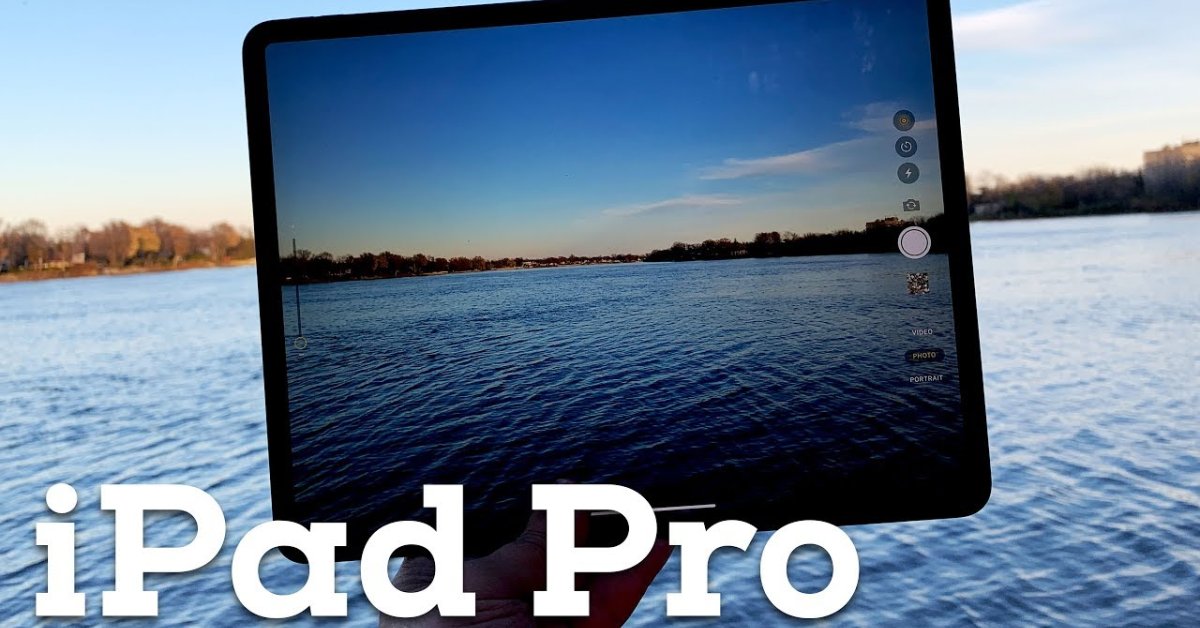
Despite being power than many laptops, iPad Pro still can't replace a regular laptop in working as it fails at many basic tasks
- Apple's Liquid Metal Hinge Poised to Deliver Breakthrough for Foldable iPhone After 16 Years of Quiet Research
- iOS 26.5's Under-the-Radar Features: Secret iPhone Tools You Need to Try
- iPhone 18 Rumors Suggest a Significant RAM Upgrade to 12GB
Despite having been praised as a laptop-level tablet, the 2018 iPad Pro can’t still be the same as a laptop in terms of working experience. From my own experience using the 2018 iPad Pro, it can drag your working efficiency down if you use it for work instead of a standard desktop or laptop.
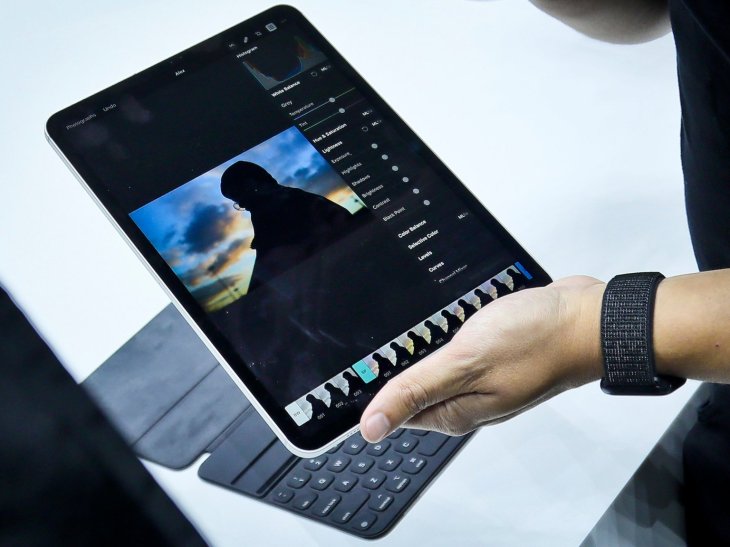
Below are several reasons why I strongly believe that the latest iPad Pro cannot replace the traditional laptop and desktop in working:
It fails at many basic tasks
The first thing I wanted to do with this latest iPad Pro was writing something with it. So I decided to write a brief initial impression on this iPad Pro. But that the point where I faced some problems.
It was a pain for me to select text. When I tried to select a paragraph to bold it, I could not select the whole paragraph. I tried to point my finger at the area, but the highlighted area kept shooting around the iPad’s screen and ended up highlighting the whole thing.
I could not believe that just highlighting a simple paragraph could take me that much time. I have never thought of having to try so hard to select text on my laptop because using a mouse or even a trackpad can be much more precise than a touchscreen and fingers.
The multitasking was also more inconsistent and also less efficient on the iPad Pro compared to a regular laptop. And when writing a story, I usually add some photos on it as well. Generally, you need to click on the Upload button and then either drag and drop the photo into a designated area or just simply browse for it.
If you use a Mac, then adding photos require three steps: opening your web browser then opening Finder and finally dragging and dropping the photos from Finder into your browser.
On my iPad, I had to open the web browser, swipe from the bottom of its screen to activate the dock. And then opening its Photos app from that dock to active the Split View. The final step is dragging and dropping photos I wanted to add from one app to another.
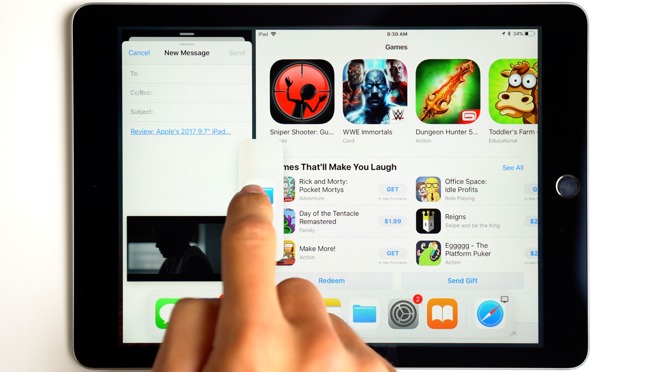
It is harder to add a photo in an iPad
Having to do more step did not really bother me that much. But the one that bothered me a lot is the fact that dragging and dropping did not work all the times. I would tap on a photo and hold to select it, but after dragging it to another app, it somehow changed to a totally different app that I did not select. It can be a bug, but the important thing is this happened whenever I added photos.
Moreover, I can upload photos much faster using my old MacBook Pro. Some photos even rotated 180 degrees when I uploaded them. But it is still fine as it also happened on my old Mac also. But altering the photo in the correct orientation usually worked on my Mac, but not on my iPad Pro.
I had tried many tricks but it still didn’t work unless I used my Mac. Therefore, I took the ultimate solution which was putting the iPad Pro aside and returning to my old Mac to finish the work.
It is hard to justify a tablet that has the same price as a work laptop but can’t offer the same functions.
I was pretty disappointed with the iPad Pro’s price.
The first iPad I purchased was the third generation and also the first iPad to have a Retina display - cost me $500, without AppleCare and accessories. $500 for a tablet is very expensive.
But when comparing that old iPad with the 2018 iPad Pro I have just purchased, I found out that the pricing strategy of Apple is still the same. Obviously, the new iPad Pro is much faster but it pretty much works the same.
In terms of functions, both iPad and iPad Pro are pretty similar to each other. All of them still run iOS.
It is not like the 2018 iPad Pro has something more special than the iPad, aside from the laptop-level chip of course. Yes, it has an Apple Pencil, but you would not use it too often unless you work as an artist or something like that. And also the Smart Keyboard - an overpriced loud keyboard that has magnets in it. I would say buying this new iPad Pro is like paying for experiencing a deluxe iPad. Yeah, it may be fun but still not a work laptop.
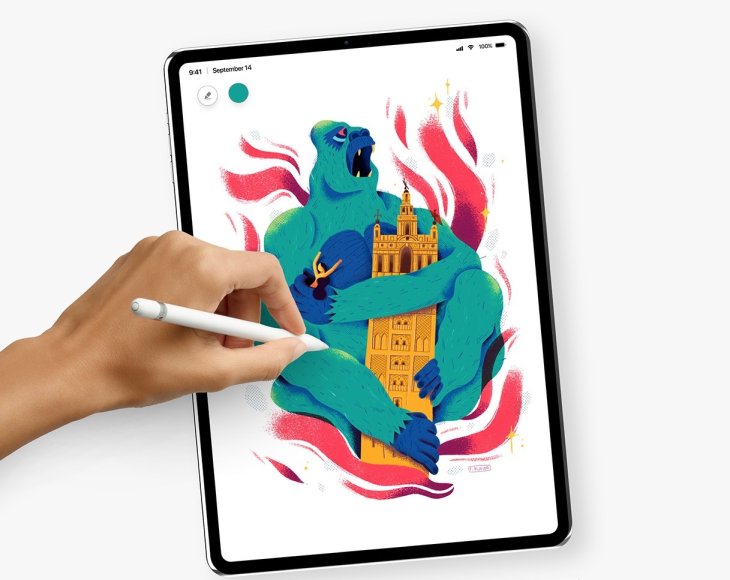
iPad Pro with Apple Pencil can be a good option for artists or relating jobs
I keep saying that this iPad Pro isn’t a work laptop because I could not even perform some very basic tasks that which caused me to work on my laptop instead.
Every iPad will obviously come with iOS, and iOS has some limitations. It can be pretty easy for anyone to understand it in the first place. But the operating system itself can’t reach the convenient and powerful level of desktop and laptop operating system like Windows or MacOS.
Even though the iPad Pro is claimed to be a professional tablet but Apple will not allow users to use mice or trackpads is just not right for users who would want to use it for professional work, as Apple implies by the Pro on iPad Pro. Why would I choose this over any laptop if I could not even conveniently select text and multitask with it?
This iPad can be better but Apple is holding it back
It is strange to me that even though Apple equips its iPad Pro with a USB-C port, which many people would see as a signal that Apple will finally allow users to use external gadgets. But to me, this implementation of Apple is half-hearted. The fact that they still don’t allow desktop accessories like mice and also no external storage just drags the iPad Pro down.
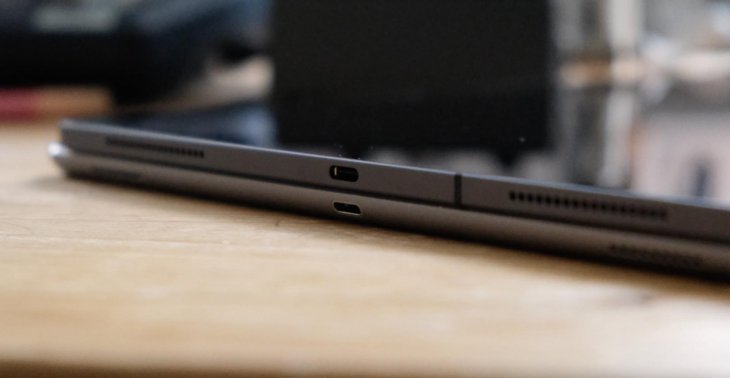
iPad Pro 2018 is the first one that has a USB-C port
Just like every other iPad, fingers are the main input method for this iPad Pro of Apple. But they has to understand that fingers or even an Apple Pencil are not enough to work in this current fast pace world.
There were great input methods that make computers so convenient to use and they are mouse and trackpad. They offer what fingers can hardly offer: precision. In my opinion, this new iPad Pro is still a fail attempt of Apple to persuade people to replace their traditional laptops for working.
Featured Stories

Mobile - Oct 12, 2026
Apple iPhone 20th anniversary edition: Everything we know so far

Mobile - Oct 09, 2026
Are Heat Mitigation Cases for Phones Effective?

Mobile - Oct 07, 2026
Galaxy S27 Ultra Could Restore the Screen Quality Buyers Missed on the S26 Ultra
Mobile - Sep 23, 2026
Motorola Signature 27 Debuts With 200MP Zoom and Extreme Snapdragon Power

Mobile - Sep 18, 2026
The $1,999 iPhone Duo Still Carries Foldables' Oldest Flaw
Mobile - Sep 17, 2026
The iPhone 18 Pro Camera Upgrade Is The Biggest Change In Years

Mobile - Jun 11, 2026
Top Camera Phones Under ₹35,000: 2026 Edition Picks

Mobile - Jun 06, 2026
iOS 27 Promises Major Battery Gains for iPhones

Mobile - Jun 01, 2026
Honor Defies Expectations with a 10,000mAh Gaming Phone Just 7.98mm Thick

Mobile - May 30, 2026
Comments
Sort by Newest | Popular