Huawei Mate 20 Pro's Common Problems And Suggested Solutions
Author
From the release date to now, a lot of users point out the common problems for Huawei Mate 20 Pro. Our article can help you.
- Huawei Mate X7 Review: Foldable Photography Without Compromises
- Huawei Band 10 Launches in India with Advanced Health Tracking Features
- After Windows Replacement OS, Huawei Set to Launch "Kirin X90" Chip for PCs to Replace Intel
Huawei Mate 20 Pro's users have recently complained about their new flagship errors. Here are 4 collected problems and the recommended solutions for them.
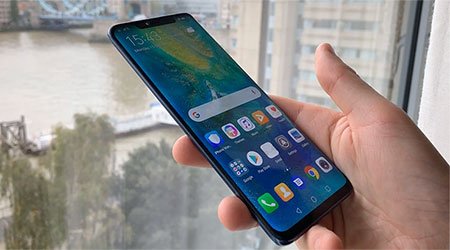
Huawei Mate 20 Pro
Problem 1: Green screen tint
A lot of this smartphone buyers complain about the green tint error after a short time period of experiencing. The wallpaper becomes dark or low light mode, the green tint extends from the side to the top of the screen.
Up to now, Huawei does not officially inform about this smartphone's drawback, which was a little disaster for some other companies. In a Huawei Community forum post, some recommended that buyers could turn their phone back to the nearest authorized service center for fixing purpose.
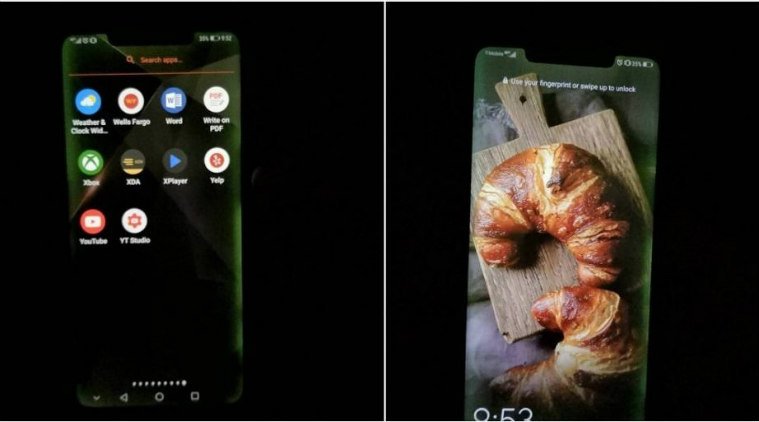
The Green screen tint
Potential solution:
The best solution for all is to get in touch with the nearest Huawei Service Center, the supplying retailer or the shop mall where you bought it. You can visit Huawei’s support center for more details.
Problem 2: The In-display fingerprint sensor
This error happens when users unlock their smartphone at only a few times, it will turn to the re-register screen for the user's fingerprint.
Potential solution:
Users can open the Security & Privacy line in Settings of Huawei Mate 20 Pro, input the security code for the Fingerprint ID part. Find out the problem-causing fingerprint and delete it from the list appeared. There will be a notification for the new fingerprint for security, but you can decide to choose to add a new or the available fingerprint.
In case of display protector using, users are advised to remove it for scanning a new fingerprint.
Problem 3: Notification icons do not often appear
There is a notch on the top of Mate 20 Pro screen, and this is the place which is available for some icons like battery, network status, time, Bluetooth and NFC. Sometimes, the notification does not appear here. Closing the notch in Setting does not help.
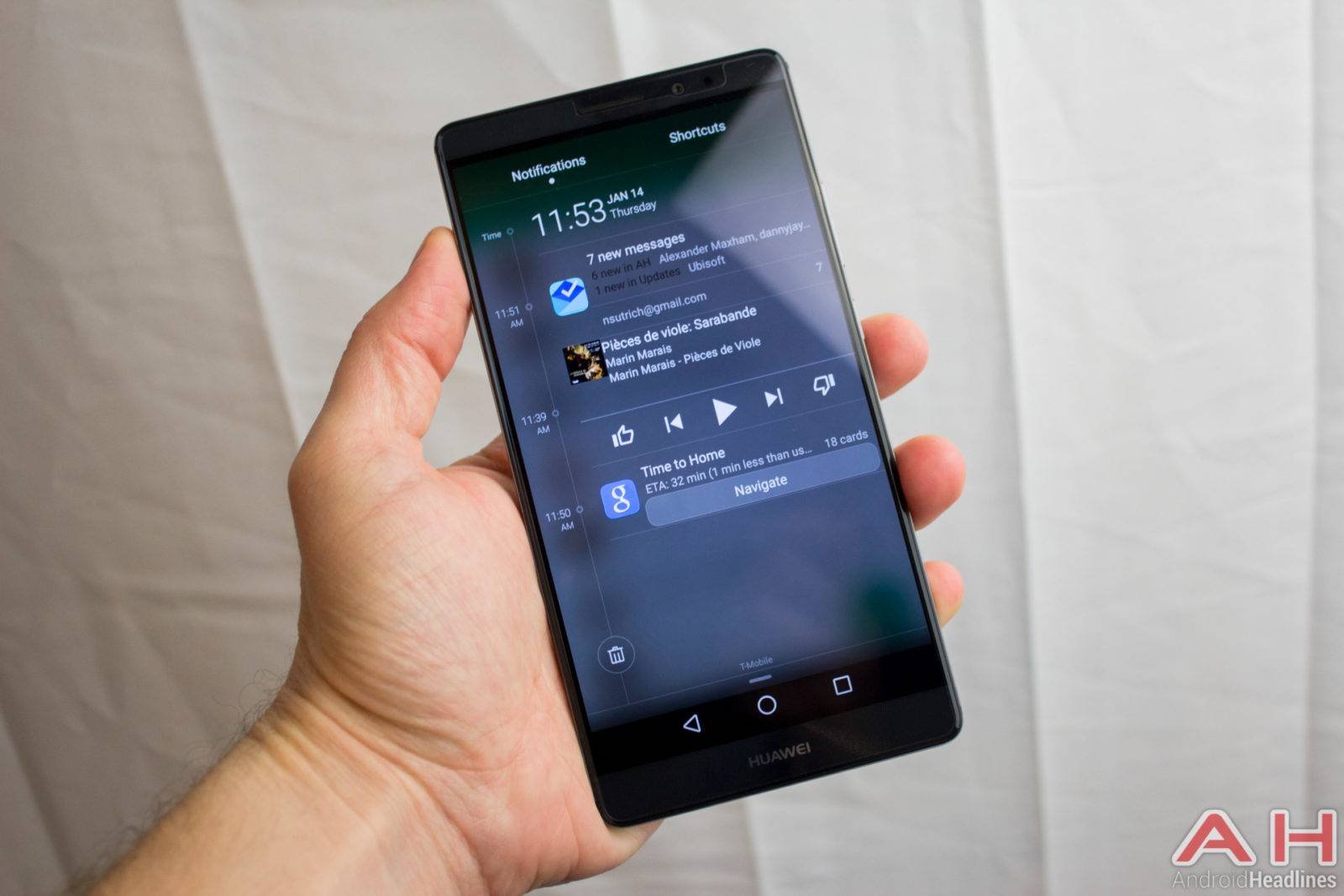
Notification icons error
Potential solution
The notched Huawei phone is affected due to the Android 9.0 version on the Huawei EMUI. Until now, there is no solution for this. Users should report to the company through the Huawei's website. The coming EMUI version is hoped to solve this issue.
Problem 4: AI features missing in videos
Artificial intelligence helped improve quite photos on the Huawei phones, now this technology is applied to videos on the Mate 20 Pro smartphone. It helps to dim the video background, insulate the screen color, and contribute filter to the footage. If users are not allowed to experience these features, maybe these phones are in previous versions.
Potential solution:
Based on the location, the phone specification, and the network, the updated platform 9.0.0.122 or 9.0.0.126 can be included these AI features. Users can check the operating system version in Setting --> System --> About Phone. Update the firmware if the phone use the out-of-date version
Remember to turn on the update alert through pressing the menu button at the top right corner of the Sofware Update portion, then shift the Auto-download Over Wifi to be on.
This article helps the Huawei Mate 20 Pro's users like you address the above problems and suggest the best solutions. Hope this help!
Featured Stories
Mobile - Oct 12, 2026
Apple iPhone 20th anniversary edition: Everything we know so far
Mobile - Oct 09, 2026
Are Heat Mitigation Cases for Phones Effective?
Mobile - Oct 07, 2026
Galaxy S27 Ultra Could Restore the Screen Quality Buyers Missed on the S26 Ultra
Mobile - Sep 23, 2026
Motorola Signature 27 Debuts With 200MP Zoom and Extreme Snapdragon Power
Mobile - Sep 18, 2026
The $1,999 iPhone Duo Still Carries Foldables' Oldest Flaw
Mobile - Sep 17, 2026
The iPhone 18 Pro Camera Upgrade Is The Biggest Change In Years
Mobile - Jun 11, 2026
Top Camera Phones Under ₹35,000: 2026 Edition Picks
Mobile - Jun 06, 2026
iOS 27 Promises Major Battery Gains for iPhones
Mobile - Jun 01, 2026
Honor Defies Expectations with a 10,000mAh Gaming Phone Just 7.98mm Thick
Mobile - May 30, 2026