Guide to Sharing Your Contact Card via the mAadhaar App
Marcus Aurelius - Jan 29, 2026
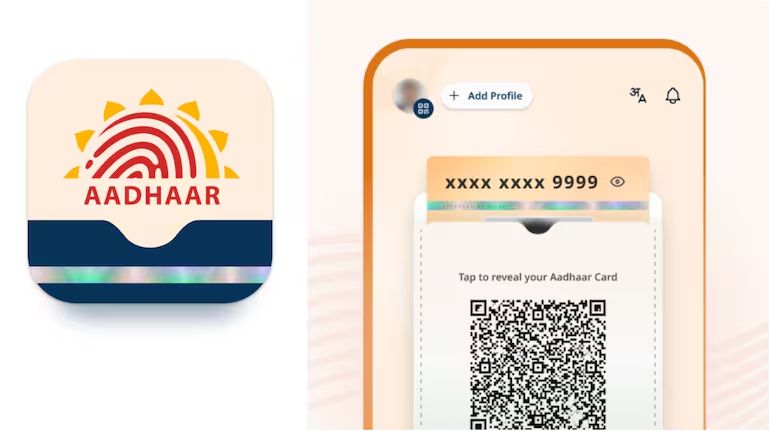
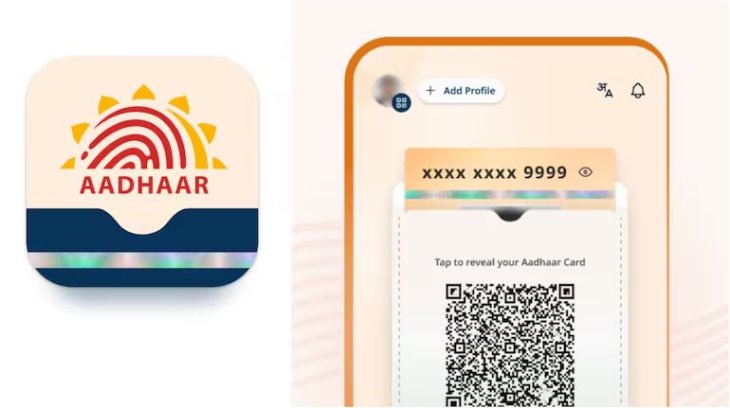
The mAadhaar app, developed by the Unique Identification Authority of India (UIDAI), allows users to manage their Aadhaar details digitally.
- Looking For An iTunes Alternative? Check Out These 10 Apps
- These Photo Editing Apps Will Make Your Picture Perfect
- Best Apps for Successful Football Betting
One useful feature is sharing your contact card through a QR code, which lets others quickly access your basic contact information without revealing sensitive data. This guide provides step-by-step instructions to help you use this feature securely.
Prerequisites
- Ensure you have an Android or iOS device.
- Download the mAadhaar app from the Google Play Store (for Android) or the App Store (for iOS).
- You must have a registered Aadhaar number with a linked mobile number for verification.
Step-by-Step Instructions
- Install and Register: Open the app store on your device and search for "mAadhaar." Download and install the official app. Launch it, then register by entering your Aadhaar number, your registered mobile number, and completing a face scan for authentication.
- Set Up a PIN: After successful registration, create a six-digit PIN code to secure your profile. This PIN will be required for future access.
- Access the Home Page: Once the PIN is set, you'll be directed to the app's home page, where you can view your Aadhaar profile summary.
- Go to Services: Tap on the "Services" tab at the bottom of the screen to explore available options.
- Find Other Services: Scroll down within the Services section until you reach "Other Services."
- Select Share Contact: Tap on the "Share Contact" option. This will prepare your contact details for sharing.
- Generate QR Code: The app will automatically create a QR code containing your contact information. You can now show this QR code to others for scanning using their device's camera or a QR scanner app.
Tips for Safe Sharing
- The QR code shares only basic details like your name and contact number, keeping your full Aadhaar number hidden.
- Ensure the recipient scans the code directly from your device to avoid unauthorized sharing.
- If you need to share with multiple people, regenerate the QR code as needed, or use the app's other sharing features like emailing a masked e-Aadhaar.
This method ensures quick and secure sharing while maintaining privacy. For more features, such as adding family profiles, refer to the app's help section or UIDAI's official resources.
Featured Stories

Mobile - Oct 12, 2026
Apple iPhone 20th anniversary edition: Everything we know so far

Mobile - Oct 09, 2026
Are Heat Mitigation Cases for Phones Effective?

Mobile - Oct 07, 2026
Galaxy S27 Ultra Could Restore the Screen Quality Buyers Missed on the S26 Ultra
Mobile - Sep 23, 2026
Motorola Signature 27 Debuts With 200MP Zoom and Extreme Snapdragon Power

Mobile - Sep 18, 2026
The $1,999 iPhone Duo Still Carries Foldables' Oldest Flaw

Mobile - Sep 17, 2026
The iPhone 18 Pro Camera Upgrade Is The Biggest Change In Years

Mobile - Jun 11, 2026
Top Camera Phones Under ₹35,000: 2026 Edition Picks

Mobile - Jun 06, 2026
iOS 27 Promises Major Battery Gains for iPhones

Mobile - Jun 01, 2026
Honor Defies Expectations with a 10,000mAh Gaming Phone Just 7.98mm Thick

Mobile - May 30, 2026
Comments
Sort by Newest | Popular