How To Fix The Gmail Bug That Prevents You From Deleting Spams On Your Android Phone
Dhir Acharya - Feb 28, 2020
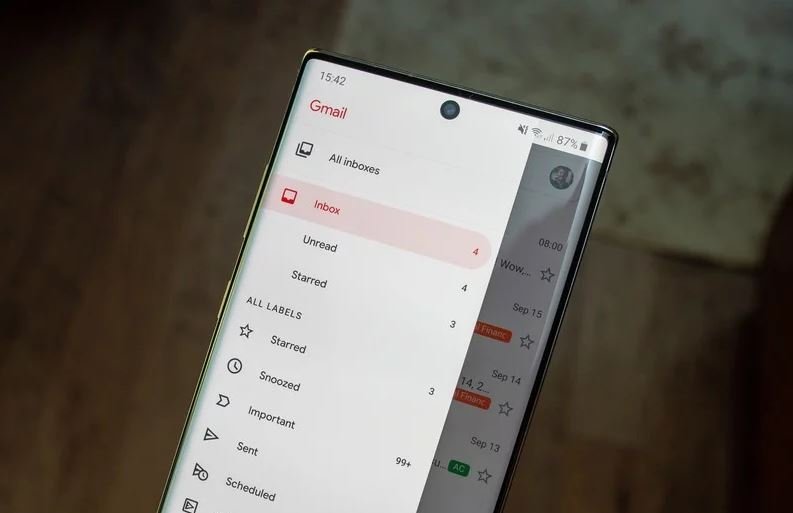
A bug in the Gmail Android app is making it harder for you to delete spam and trash mails, but there are several workarounds to overcome this problem.
- Transforming Android: New Desktop Mode Makes Phones PC-Capable
- Android 17 Beta 1 Now Available for Pixel Devices
- These Are Must-Have Apps For Rooted Android Phones
Gmail automatically filters trash emails to the spam section, which helps us keep our inbox clean and save more memory space. However, there is a bug in the Android app for Gmail that’s preventing you from clear out Trash and Spam.
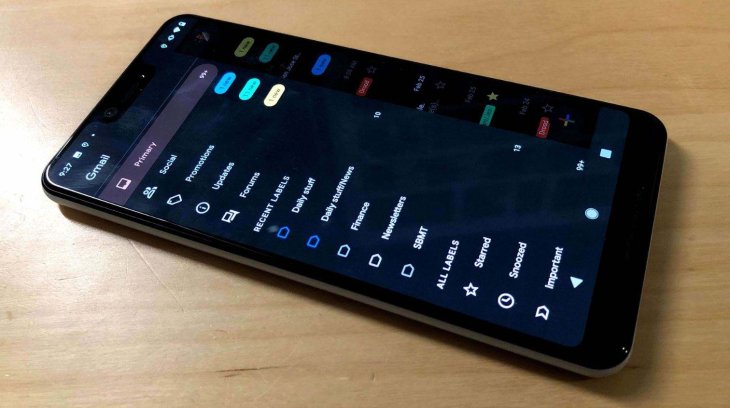
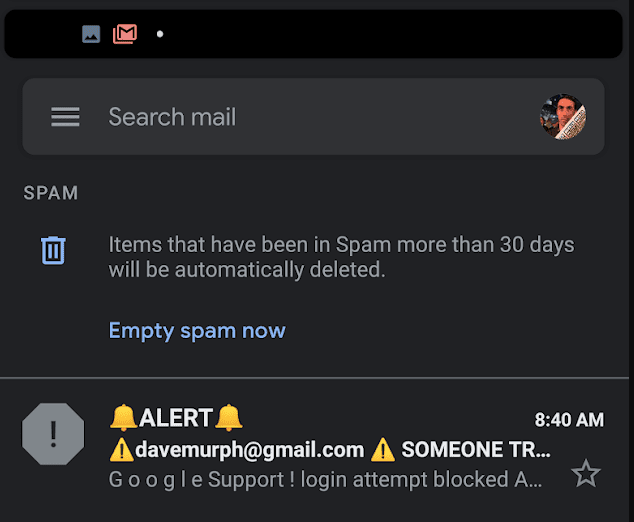
Not all devices are affected by this bug if your phone is, you will no longer see the options “Empty spam now” and “Empty trash now” when you open these sections in the Gmail app on your device.
While Google is working on a fix for this bug, if you run into this problem, there’s a simple workaround.
The first and simplest way is deleting spam and trash mails in the web version instead of the app. This may take a little more time, but it’s not that you do it daily.
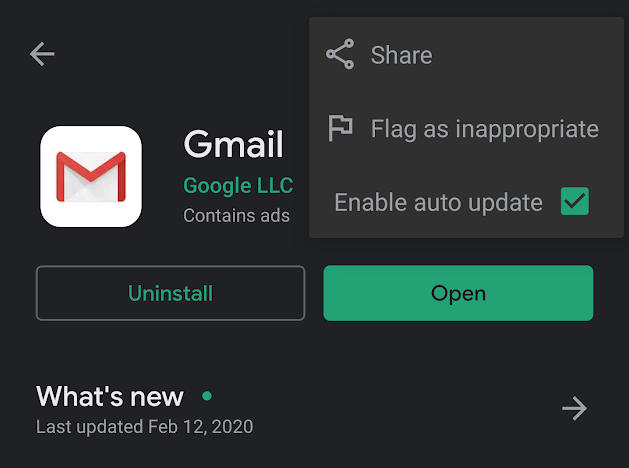
The second way is rolling back to the previous version of the app. Uninstall the app then surf and search for APK Mirror. According to a report from Android Police, the Gmail version last month still has the emptying options for spam and trash. So, you can sideload “Gmail 2019.12.30.289507923.release” onto your Android device and do not update it from the Play Store until Google releases a fix. You can do this by searching for the app in Google Play Store, tap on the triple-dot icon placed in the up-right corner and untick the box that says “Enable Auto Update.”
The third way is a bit quirky and you will have to do it again every time you want to have the “Empty” option in Spam or Trash. First, you need to switch the device to landscape mode then back to portrait mode, which will let the Empty option appear again. Or you can open a trash or spam email, then tap the back button, after which you may also see the “Empty” option.
>>> How To Import Emails Between Your Gmail Accounts
Featured Stories

How To - Mar 04, 2026
Getting Started with AI: A Newbie's Simple Guide

Features - Jun 11, 2025
Best VPN for PUBG Mobile 2025: Lower Ping & Regional Access Guide

How To - Jun 04, 2025
What is a VPN? Your Complete Guide to Safe Virtual Private Networks

How To - May 29, 2025
Receive Buffers And Other Tips To Improve Your Internet Connection

How To - May 21, 2025
How to unlock a disabled iPhone: a step-by-step guide

How To - Mar 31, 2025
Elevate Your Online Presence: Partnering with a Small Business Digital Marketing...

How To - Aug 03, 2023
What is the Yo-Yo test in Indian Cricket?

How To - Jul 10, 2023
Top 7 Stats Sites Every Cricket Fan Must Know

How To - Apr 27, 2023
How much does it cost to start an online casino in 2023

Review - Oct 17, 2022
Comments
Sort by Newest | Popular