Facebook India: How To Use 'Lock Facebook Profile' Feature
Anil - May 25, 2020
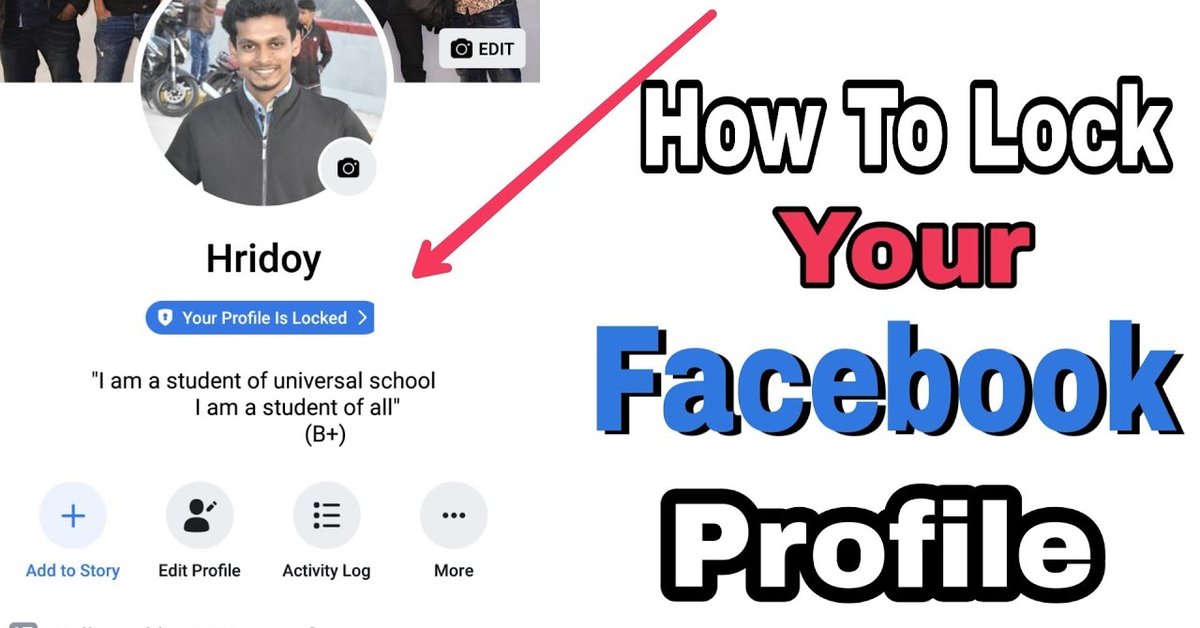
A new privacy-cẻntric feature called 'Lock Facebook Profile' has made tailored for Indian users.
- Billion Dollar Blunder: Meta Shuts Down Metaverse After Wasting $80,000,000,000.00
- Delhi Is The World’s Most Polluted Capital City For Three Years In A Row
- Indian Farmers Install High-Tech, Night-Vision CCTV Cameras To Protect Themselves
As you may know, Facebook has already had several different features in its settings menu to suggest users various ways to secure their profile. However, a new privacy-centric feature called 'Lock Facebook Profile' has made available for Indian users for a while, and this is said to be much more effective when you need to prevent your profile from prying eyes.
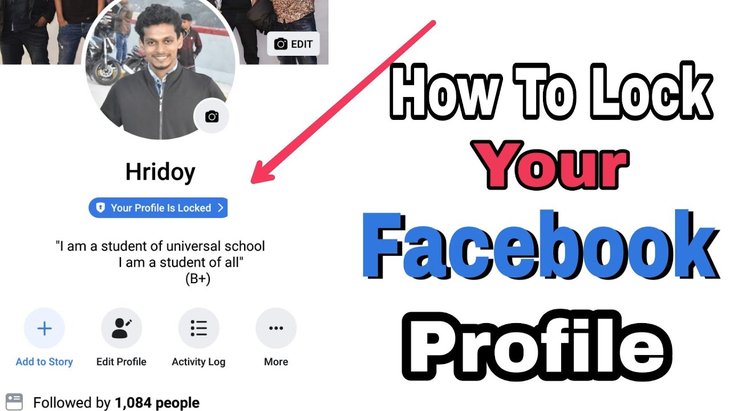
As simple as its name, the 'Lock Facebook Profile' feature keeps your personal photos and information behind closed doors. The main purpose is to protect users, especially female ones in India for example, from the invasion of their privacy and their information being stolen and used with bad intentions.
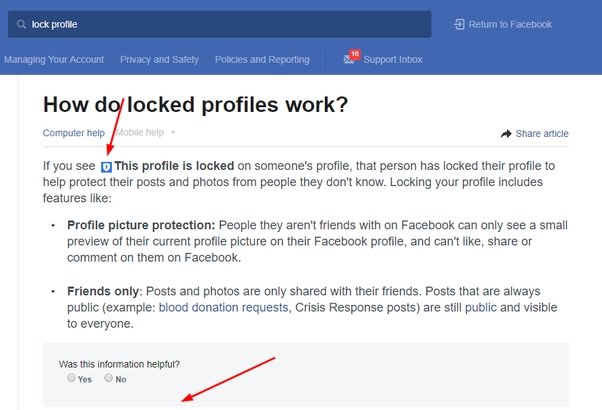
Once activated, those who are not your Facebook friends can’t have any interactions such as zoom in or out, share and download with your profile picture and cover photo. Plus, both your old and new posts and photos will be hidden from them as well.
Each time a non-friend visits a locked profile, a disclaimer will pop up to inform them that it’s no longer publicly visible. There are no more than five profile details that will be seen by strangers.
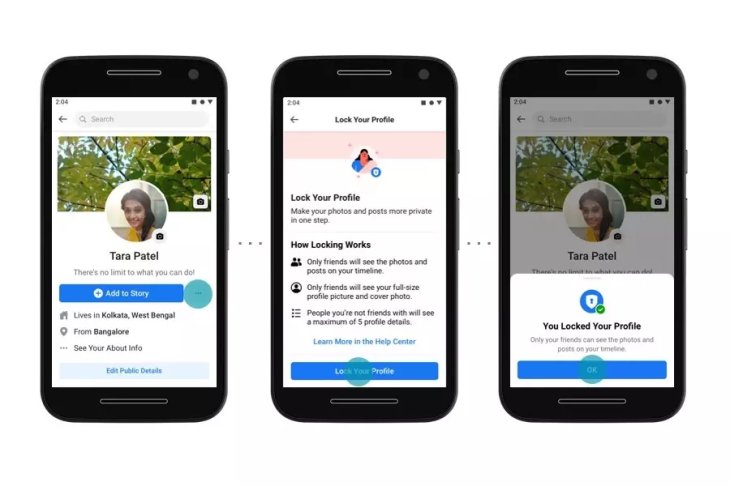
Here's bad news for iOS users: currently, only Android users have access to this profile-locking feature, and it has yet to appear on the Web as well. The good news is, this will be available for iOS and the Web soon enough to make sure that everyone can take advantage of it.
Now, follow these steps below to have your Facebook profile locked on Android
- Tap Facebook on your Android device and go to your profile.
- In case you can’t see the feature Profile Lock right away, find the 3-dot icon and tap it.
- Click “Lock Profile” then “Lock your Profile” to complete the action.
When it’s all done, a disclaimer will pop up on your profile. It’s up to you to control what you want and don’t want those non-friends to see.
Ankhi Das, Public Policy Director at Facebook has a few words about the release of the new 'Lock Facebook Profile' feature. According to Ankhi, the company deeply understands what people need to keep their profile safe, especially Indian women, therefore, the release of this feature will help so much for users in improving their profile security and privacy.
>>> Facebook To Launch Facebook Shop To Help Businesses Spring Back From COVID-19 Damage
Featured Stories

ICT News - Sep 19, 2026
Washington Acknowledges Operational Weapons in Earth Orbit

ICT News - Aug 04, 2026
Telegram Vanishes from Apple App Store Worldwide

ICT News - Jul 31, 2026
Russian Buyer Finds Water Bottle in $1,125 Graphics Card Box

ICT News - Jul 29, 2026
The RAM Crisis: Graphics cards shoot up in prices again

ICT News - Jun 27, 2026
OpenAI Launches Limited GPT-5.6 Preview Amid U.S. Security Review

ICT News - Jun 16, 2026
Elon Musk Becomes World's First Trillionaire After SpaceX's Record IPO

ICT News - Jun 14, 2026
The Technological Revolution at the 2026 FIFA World Cup
ICT News - Jun 03, 2026
Apple's Liquid Metal Hinge Poised to Deliver Breakthrough for Foldable iPhone...

ICT News - May 29, 2026
New Glenn Rocket Explodes in Massive Fireball During Static Fire Test at Cape...

Mobile - May 24, 2026
iOS 27 Preview: Apple Delivers Its Most Intelligent Siri Yet Alongside Fresh AI...
Read more

Mobile- Oct 07, 2026
Galaxy S27 Ultra Could Restore the Screen Quality Buyers Missed on the S26 Ultra
The S26 series arrived in February 2026, so a similar early 2027 window is the likely launch period.
Comments
Sort by Newest | Popular