How To Clean Your Phone Right To Avoid COVID-19
Dhir Acharya - Mar 11, 2020
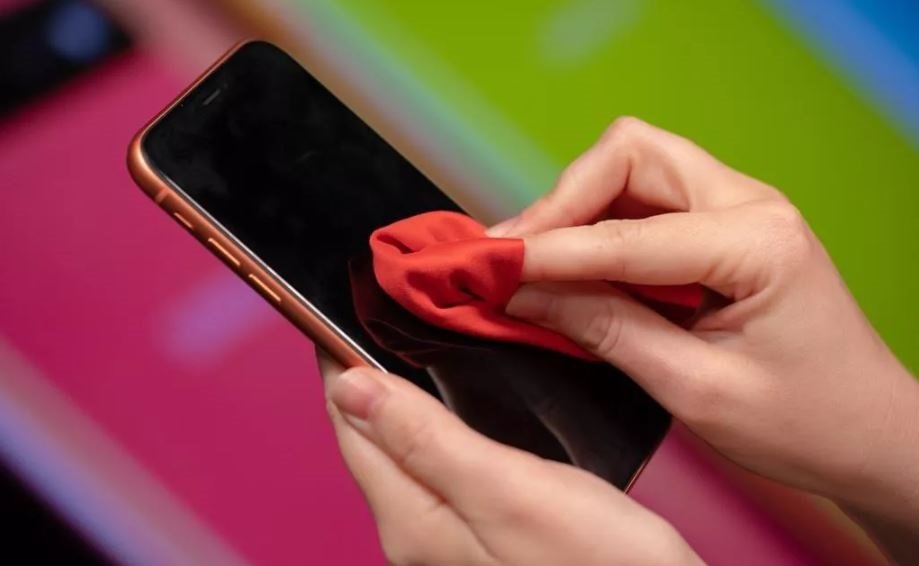
You can get infected with COVID-19 from unexpected things, like the phone you use all day long and carry along everywhere. Here's a detailed guideline.
- This Man's Super-Antibody Can Be Diluted 10,000 Times But Still Works Against COVID-19
- These Indian Cities Are Under Lockdown Again In 2021
- India To Review Covishield Vaccine After Report Of Blood Clots Following Vaccination
It’s a scientific fact that our phone carries 10 times more germs than the toilet seat. And now, we learned that the device that we bring along everywhere can easily be a COVID-19 spreader too.
So just like with our hands, it makes sense that we clean and disinfect our phone regularly to wipe away whatever may be lingering on it. Apple has posted a new update on its website that people can use disinfectant to clean the iPhone as well as other Apple devices. The tech giant used to advise people to avoid using cleaning products on their smartphones as they can cause damages to the special coating on the display that prevents fingerprints. However, as more and more people don’t want to get germs on their phones or hands, especially when the coronavirus outbreak is spreading worldwide, Apple has made the change.
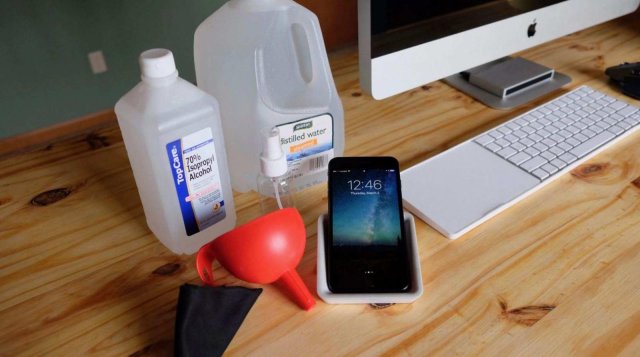
According to the update, the company says that users can apply 70% isopropyl alcohol or Clorox disinfecting wipes on Apple products’ hard, nonporous surfaces like keyboard, display, and other exterior surfaces. It adds that users should not use bleach or get moisture the openings or submerge devices in cleaning agents.
So yes, you can and should clean your phone, and the following is a detailed guideline on how to clean your phone to protect yourself and others from COVID-19.
- First of all, unplug the phone completely, including earbuds and cables. And turn it off.
- Next, wash your hands, you can’t make the phone clean with dirty hands.
- If you use a phone case, remove it and clean it too.
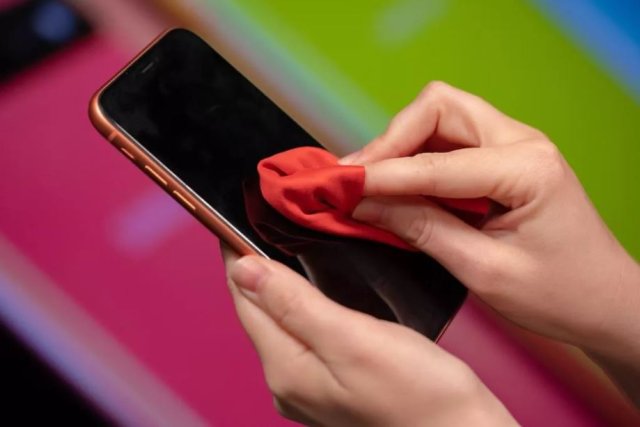
- There are different ways of cleaning a phone. generally, wipe it down with a bit warm soapy water using a microfiber cloth so that you won’t make any scratches on the device. using UV light can help you completely disinfect the device but that costs a lot more.
- Then, you can use a toothpick or cotton swab to clean smaller areas like the buttons, ports, and cameras.
- Let the phone dry on a clean surface for 30 minutes, then put the case back on if you want.
>>> 5 Strange Services That Are Growing Due To The COVID-19 Outbreak
Featured Stories

How To - Mar 04, 2026
Getting Started with AI: A Newbie's Simple Guide

Features - Jun 11, 2025
Best VPN for PUBG Mobile 2025: Lower Ping & Regional Access Guide

How To - Jun 04, 2025
What is a VPN? Your Complete Guide to Safe Virtual Private Networks

How To - May 29, 2025
Receive Buffers And Other Tips To Improve Your Internet Connection
How To - May 21, 2025
How to unlock a disabled iPhone: a step-by-step guide

How To - Mar 31, 2025
Elevate Your Online Presence: Partnering with a Small Business Digital Marketing...

How To - Aug 03, 2023
What is the Yo-Yo test in Indian Cricket?

How To - Jul 10, 2023
Top 7 Stats Sites Every Cricket Fan Must Know

How To - Apr 27, 2023
How much does it cost to start an online casino in 2023

Review - Oct 17, 2022
Betting on Sports Events in the Fairplay App
Read more

Mobile- Oct 09, 2026
Are Heat Mitigation Cases for Phones Effective?
Phone heat mitigation cases claim to keep devices cooler during heavy use like gaming or video recording.
Comments
Sort by Newest | Popular