5 Must-Have Android Apps For YouTubers: Video Creation, Editing, Tags And More
SachinSangwan - Aug 31, 2019
Here is a list showing five best android applications for YouTubers which help make content, run, grow and expand the channel and to be your own boss.
- Transforming Android: New Desktop Mode Makes Phones PC-Capable
- Android 17 Beta 1 Now Available for Pixel Devices
- Guide to Sharing Your Contact Card via the mAadhaar App
Most people are YouTubers, but do all of them use all the resources to grow their channel? Actually, not. There are lots of processes involved in making YouTube content, such as creating thumbnails, adding tags, editing videos, etc.
Here is a list showing five best android applications for YouTubers which help make content, run, grow and expand the channel and to be your own boss. These Android applications for YouTubers to create content. Users can also design thumbnails, edit videos, and participate in different communities.
1. YouTube Creator Studio
Similar to the YouTube application for regular users, YouTube Creator Studio is specifically for creators. This application allows changing Title, Tags, Description, Monetization of videos, and Adding Thumbnails. There is a variety of features included in this application.
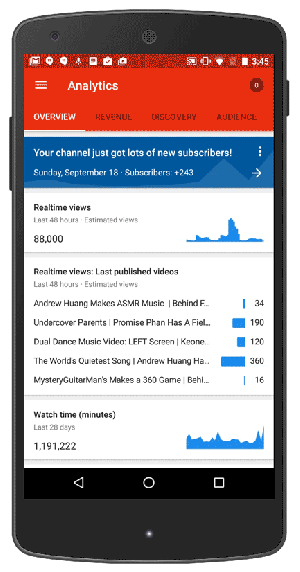
It has the following features:
- You can check your videos' performance.
- You can post replies to comments.
- You can view the analytics of your channel.
2. Pixel Lab
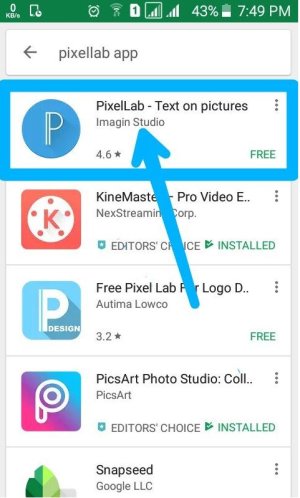
For YouTubers, it is a wonderful Android app for designing channel art as well as video thumbnails on your smartphone. There are many features in this app, as listed below:
- It lets you add 3D texts to images.
- It lets you save your work as Project files.
- It also allows you to add stickers.
- It removes the background of pictures.
- It offers lots of Predefined Presets.
- It allows hand drawing.
- It has inbuilt texture backgrounds.
- It lets you create masks.
3. Du Screen Recorder
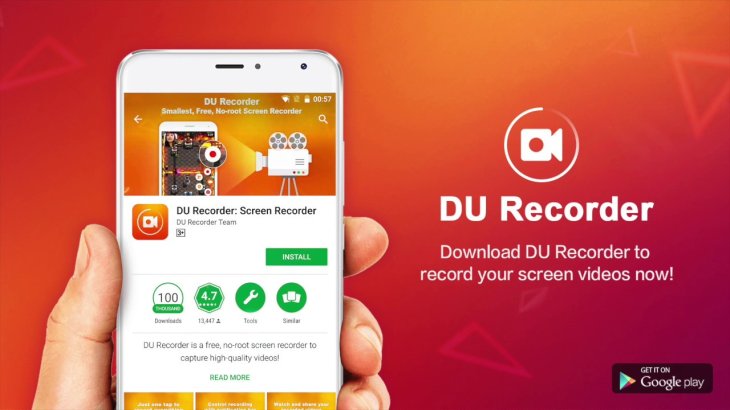
While making tutorial videos, sometimes the phone screen needs to be captured to make the video easy to understand for viewers. This application is absolutely free of cost. It records screen in very high quality. This application enables YouTubers to record clear and smooth videos.
4. KineMaster Pro - Video Editor
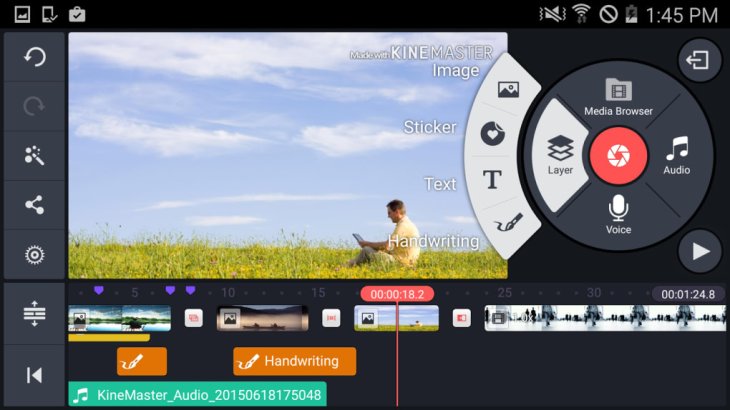
- Control speed of video files
- Variety of animation styles
- Different video transition effects
- Add blur effect to videos
- Trim frame by frame
- Collection of animations, themes, audio, and visual effects
- Preview all video editings
5. Tag You
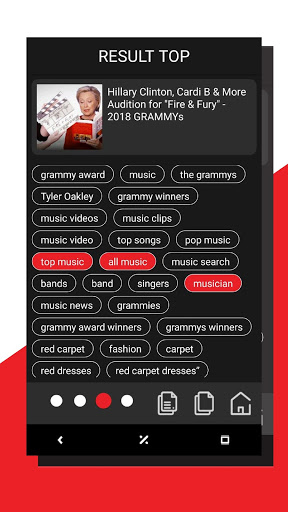
To boost the ranking of videos, YouTubers can use this Android tool. It focuses on the optimization of video tags. It enables you to find tags of any YouTube video. It also finds relevant tags for the video and enables the optimization of video tags for getting more views.
When a query is searched for, it shows the top 5 trending line tags on YouTube.
Featured Stories

How To - Mar 04, 2026
Getting Started with AI: A Newbie's Simple Guide

Features - Jun 11, 2025
Best VPN for PUBG Mobile 2025: Lower Ping & Regional Access Guide

How To - Jun 04, 2025
What is a VPN? Your Complete Guide to Safe Virtual Private Networks

How To - May 29, 2025
Receive Buffers And Other Tips To Improve Your Internet Connection

How To - May 21, 2025
How to unlock a disabled iPhone: a step-by-step guide

How To - Mar 31, 2025
Elevate Your Online Presence: Partnering with a Small Business Digital Marketing...

How To - Aug 03, 2023
What is the Yo-Yo test in Indian Cricket?

How To - Jul 10, 2023
Top 7 Stats Sites Every Cricket Fan Must Know

How To - Apr 27, 2023
How much does it cost to start an online casino in 2023

Review - Oct 17, 2022
Betting on Sports Events in the Fairplay App
Read more

ICT News- Mar 31, 2026
DDR5 RAM Prices Finally Easing: Relief for PC Builders in 2026
After nearly a year of painful price surges that left many PC builders and gamers stunned, DDR5 memory is showing its first real signs of relief.
Comments
Sort by Newest | Popular