You Can Now Turn Pictures Of Spreadsheets Into Editable Tables In Excel
Aadhya Khatri - Jun 03, 2019
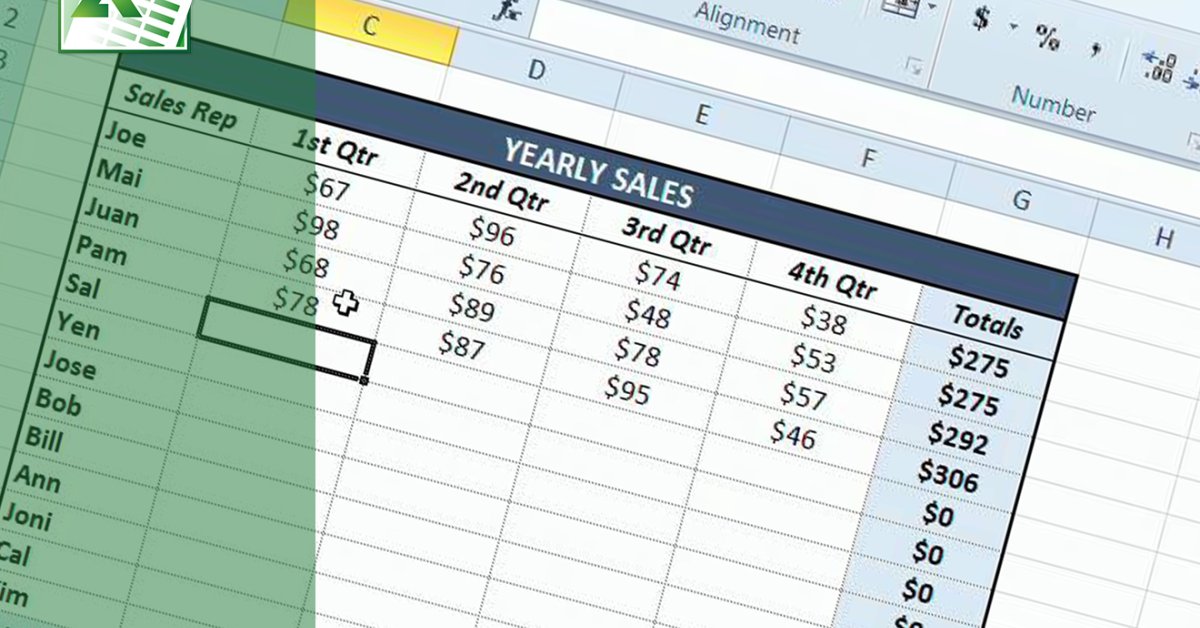
This new feature from Microsoft lets users take pictures of paper spreadsheets and import them into Excel to edit. It now comes to iOS
- The Ultimate Tech Betrayal: OpenAI's Nuclear Revenge Plot Against Sugar Daddy Microsoft
- Microsoft Notepad Gets Major Update: Bold Text, Hyperlinks, and Markdown Support
- Microsoft Surface: A Shift from Innovation to Stability?
After rolling out this new feature for Android devices, Microsoft is bringing the enhancement to iOS. Now, Excel users can take a picture of printed tables or spreadsheets and import them to the app. In Excel, these data are totally editable like the ones you create directly from the system. You can take pictures with your phone and then edit using Mac or Window.
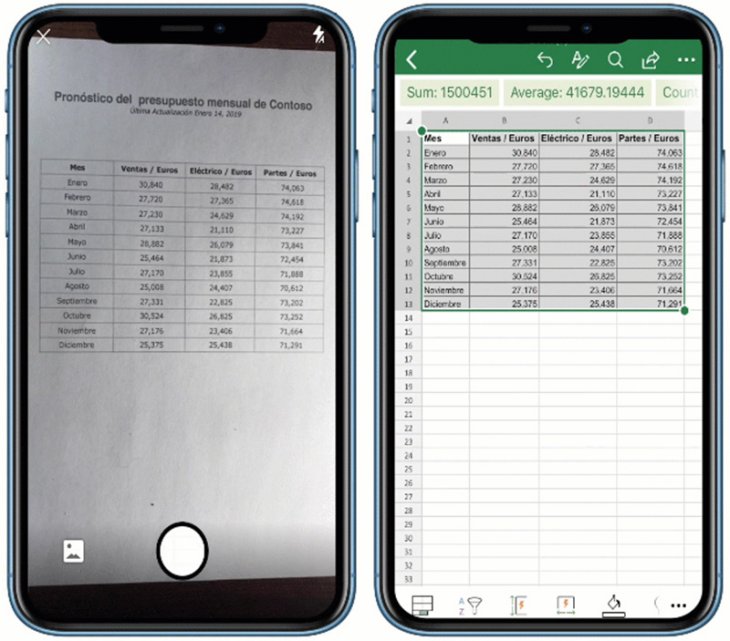
Microsoft is able to do this by combining artificial intelligence, optical character recognition (OCR), and machine learning models to be able to turn a data on a real piece of paper into a digitally editable table.
More importantly, the image recognition technology can tell different types of data apart, from work schedules, timetables, task lists to financial spreadsheets. So far, it is one of the most impressive features we have ever seen in Excel. Microsoft has made use of Seeing AI, Office Lens app, and Word’s Reflow feature to make it possible.
If you do not know what Seeing AI is, here is a brief definition. It is an app for smartphones that can tell users who are visually impaired how the world around looks like by using computer vision. They can point the camera to a person, and the app will talk about their feelings or their identity. If the camera captures merchandise, it will tell users what that is.
The improvement is now in use on Excel for iOS in 21 nations. You can get it on Google Play Store if you are using Android and Apple’s App Store if you have iOS.
Apart from this feature, Microsoft also gives its Authenticator app Microsoft Account security alerts. These alerts can work on Outlook and some other personal accounts. They will notify you whenever a security-related issue arises, like when your password changes. It has already been rolled out for both Android and iOS users.
Featured Stories

ICT News - Dec 25, 2025
The Visibility Concentration Effect: Why Half the Web Isn’t Qualified Anymore

ICT News - Jul 05, 2025
Windows 11 is Now the Most Popular Desktop OS in the World

ICT News - Jul 02, 2025
All About Florida’s Alligator Alcatraz: A Smart Move for Immigration Control

ICT News - Jun 25, 2025
AI Intimidation Tactics: CEOs Turn Flawed Technology Into Employee Fear Machine

ICT News - Jun 24, 2025
Tesla Robotaxi Finally Hits the Streets: $4.20 Rides That'll Make You Hold Your...

ICT News - Jun 24, 2025
World's First Flying Humanoid Robot Takes Flight

ICT News - Jun 24, 2025
When Closed Source Met Open Source: Bill Gates Finally Meets Linus Torvalds After...

Gadgets - Jun 23, 2025
COLORFUL SMART 900 AI Mini PC: Compact Power for Content Creation

ICT News - Jun 22, 2025
Neuralink Telepathy Chip Enables Quadriplegic Rob Greiner to Control Games with...

ICT News - Jun 20, 2025
Comments
Sort by Newest | Popular