If You Have Problems With Push Notifications In MIUI, Here's What To Do
SachinSangwan - Sep 30, 2019
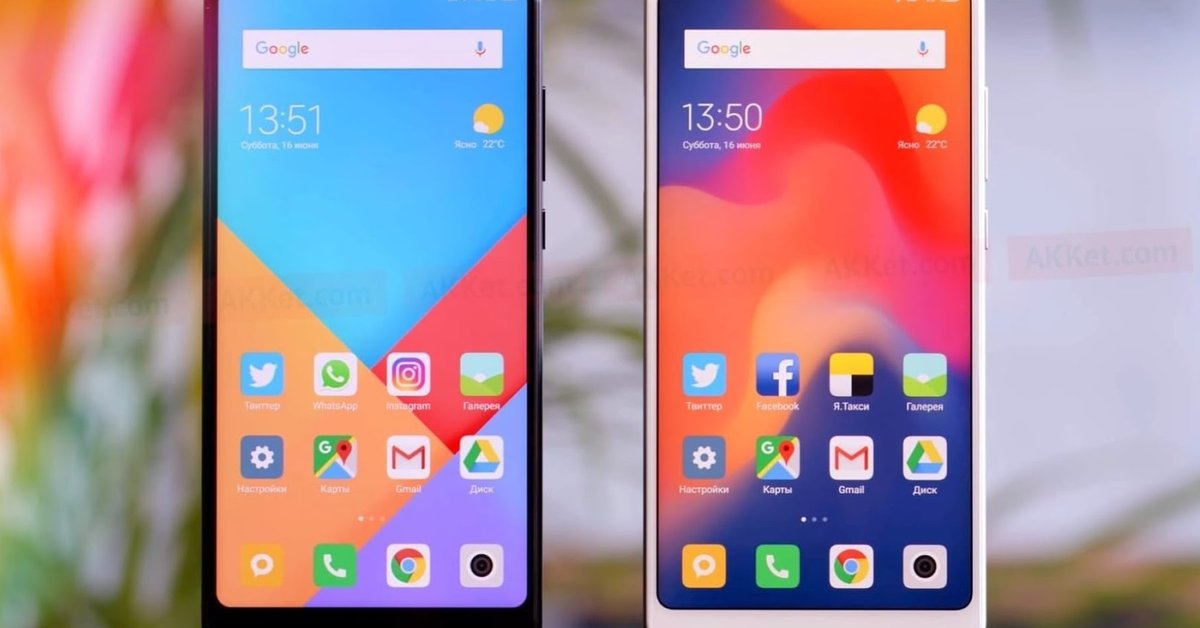
Xiaomi's MIUI has become very popular over the past two years. But still, there are some issues like Push notifications, which is a bit disappointing.
- Best Gaming Phones 2025: Top Devices for Mobile Gaming
- Best Gaming Smartphones In 2023 Game Enthusiasts Should Know
- Six Best Smartphones Under 40,000 In India: Price & Detailed Review
Xiaomi's MIUI has become very popular over the past two years. The user interface of MIUI is simple, clear and smooth, and it comes with lots of features, which people are in love with. But still, there are some issues like Push notifications, which makes UI slightly disappointing.
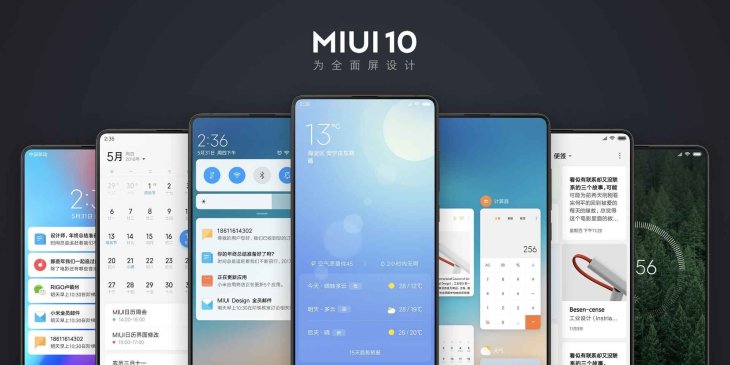
One thing that is excellent in Mi phones is its aggressive memory management, which has helped worsen the problem with push notifications. However, there's a workaround that you can try to overcome this issue and in this article, we will tell you how to fix it in MIUI 10.
Steps to fix push notifications with MIUI 10
If you want to get around the memory management in MIUI, you will need to choose autostart for apps which are not sending push notifications.
- From the home screen, go to the phone Settings.
- Find the 'Apps' tab and click on it.
- Tap on Permissions.
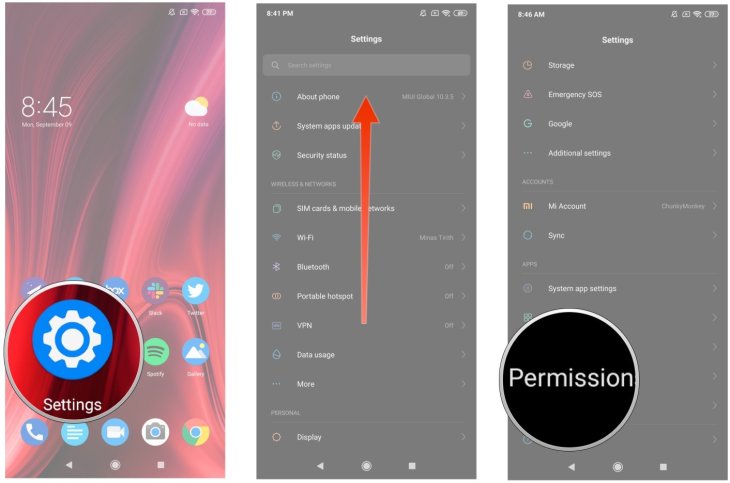
4. Hit on the 'Autostart' button.
5. Select the applications that are not delivering Push notification.
6. Toggle the slider to make sure the apps will always launch in the background.
If you do not find any particular app in autostart or still face the same issue with Push notifications, you need to move on the second method, i.e., disabling default battery optimization service. This way, you can make sure that MIUI's memory management isn't restricting the app.
- Visit Settings.
- Tap on System & Device
- Tap on the 'Battery & Performance' option
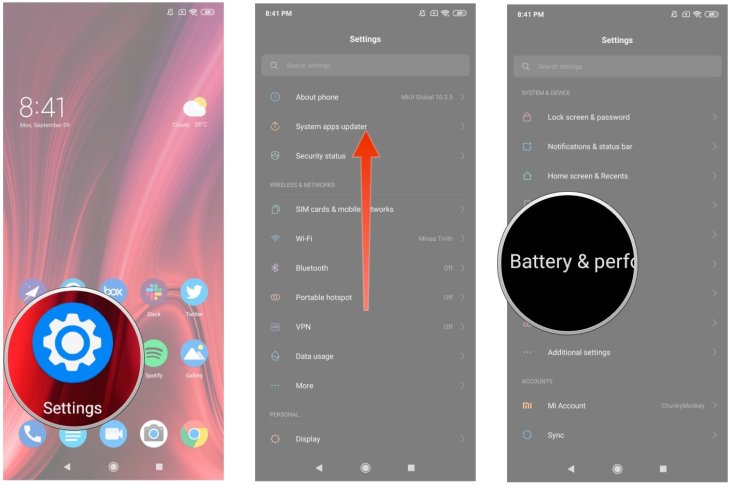
4. Tap on the 'Choose apps' button
5. Choose the app which is not sending notifications.
6. Select 'No restrictions.'
The perfect way to get rid of the problem of Push notification is choosing the 'No restriction'. After selecting this option, MIUI won't close an application which is running in the background. This method also works with Gmail and Slack. All in all, if you face the issue with notifications, use the second method and fix the problem of Push notifications.
Featured Stories
How To - Jul 25, 2025
Savant - Ascent REMIX Free Download (v1.2) - Electrifying Twin-Stick Shooter...

How To - Jul 25, 2025
Way of the Hunter Free Download (v1.23a) - The Ultimate Realistic Hunting...

How To - Jun 12, 2025
The Legend of Tianding Free Download (v1.01) - Become Taiwan's Legendary Outlaw

Features - Jun 11, 2025
Best VPN for PUBG Mobile 2025: Lower Ping & Regional Access Guide

How To - Jun 08, 2025
Telepath Tactics Liberated Free Download (v1.0.57) – The Ultimate Tactical RPG...

How To - Jun 07, 2025
The Mystery of Woolley Mountain Free Download – Whimsical Adventure Game

How To - Jun 07, 2025
We Need to Go Deeper – Complete Edition Free Download (v1.6.5)

How To - Jun 06, 2025
Pharaoh: A New Era Free Download – Build an Ancient Egyptian Empire

How To - Jun 04, 2025
Stardew Valley Free Download (v1.5.6) - Build Your Dream Farm

How To - Jun 04, 2025
Comments
Sort by Newest | Popular